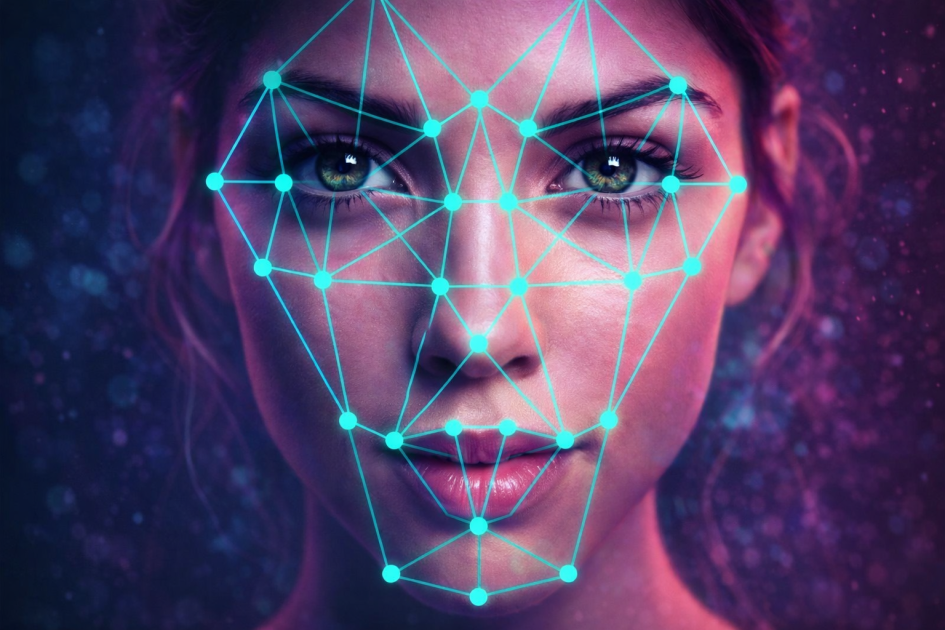

Raspberry Pi Facial Recognition
This project shows how to build a facial recognition system using a Raspberry Pi, a camera, and AWS Rekognition (a cloud face-recognition service). It’s meant for things like identifying people and could be used for simple access control. (Hackster)
What You Need
Hardware
-
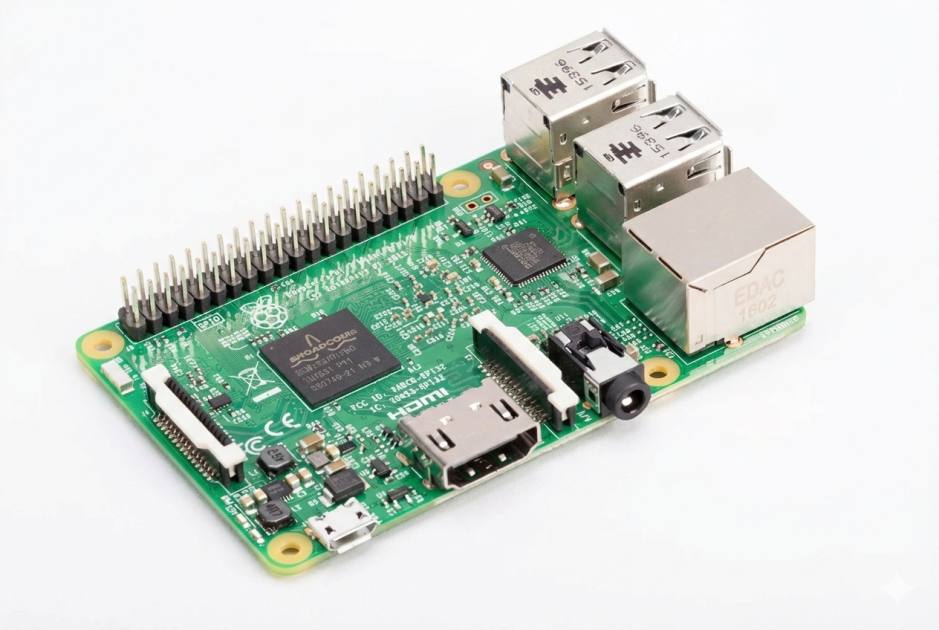
Raspberry Pi computer (tested with the Raspberry Pi 3)
-
Camera module (like the official Pi camera)
-
Optional: any other USB or Pi-compatible camera (Hackster)
Software / Online
-
AWS Rekognition account (Free Tier available)
-
Pi-Timolo (motion-triggered camera tool) (Hackster)
Project Idea
This system uses a script called pi-detector along with Pi-Timolo to watch for motion. When the camera detects movement, it takes a picture and sends it to AWS Rekognition to check if the face matches anyone in a database you’ve created. (Hackster)
In its current form:
-
It logs face matches to a file
-
But with some extra coding, you could make it send notifications or even unlock a door if an authorized face is seen. (Hackster)

How It Works — Step by Step
1. Prepare AWS
-
Create a user in the AWS console with access to Rekognition
-
Save the AWS keys you get (you’ll need these later)


-
Set the region to us-east-1 (this supports Rekognition) (Hackster)
2. Set Up Your Raspberry Pi
-
Install Raspbian Jessie on your Pi
-
SSH into your Raspberry Pi or connect it to a screen (Hackster)
3. Install the Scripts
On the Pi:
git clone https://github.com/af001/pi-detector.git
cd pi-detector/scripts
sudo chmod +x install.sh
sudo ./install.sh
During install, enter your AWS Access Key, Secret Key, and the region (e.g., us-east-1). (Hackster)
4. Create a Face Collection
In the terminal run something like:
cd pi-detector/scripts
python add_collection.py -n "home"
This makes a “collection” in AWS where your faces are stored. (Hackster)
5. Add Face Images
Put pictures of people you want to recognize into the pi-detector/faces folder and add them to AWS:
python ../scripts/add_image.py -i image.jpg -c home -l "Name"
More images from different angles usually improves recognition. (Hackster)
6. Check It Works
Watch the log file on the Pi (event.log) to see when faces are detected and matched. (Hackster)


hello